01
Download the trial
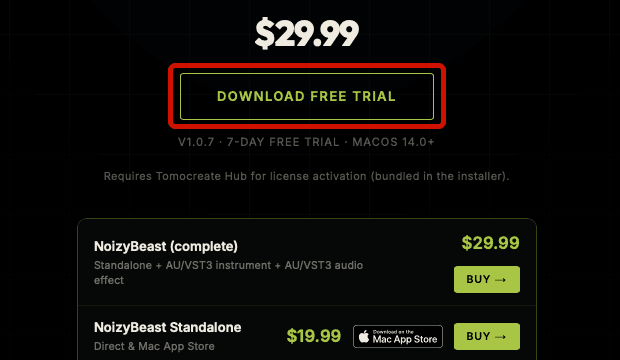
Select Download Free Trial on the product page to download the trial PKG file. The trial and licensed versions are the same app.

Follow these steps to install the trial, purchase a license, use a coupon code, and activate the product with Tomocreate Hub.
Select Download Free Trial on the product page to download the trial PKG file. The trial and licensed versions are the same app.
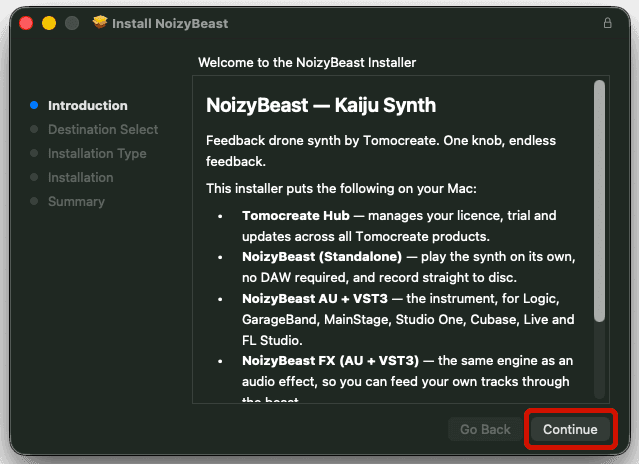
In your Downloads folder, double-click the PKG icon to open the installer. Follow the on-screen instructions to complete installation. Tomocreate Hub is included with the product installer and is normally installed automatically with the product.
Finish installing the product before pressing Activate. You normally do not need to download or install Hub separately, and you do not need to reinstall the product after purchase.
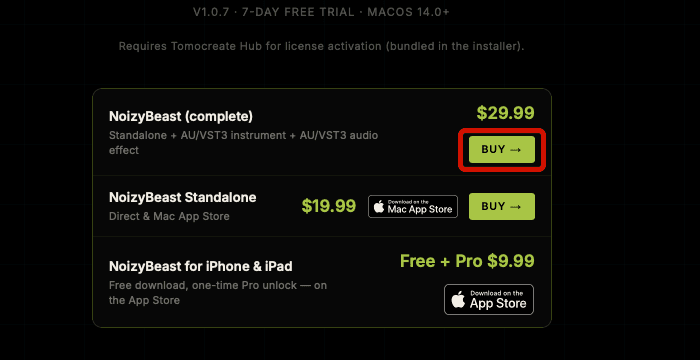
On the product page, choose the bundle or individual product you want, then select the Buy button for that item to continue to checkout. If several Buy buttons are shown, confirm the product name and included items before selecting one.
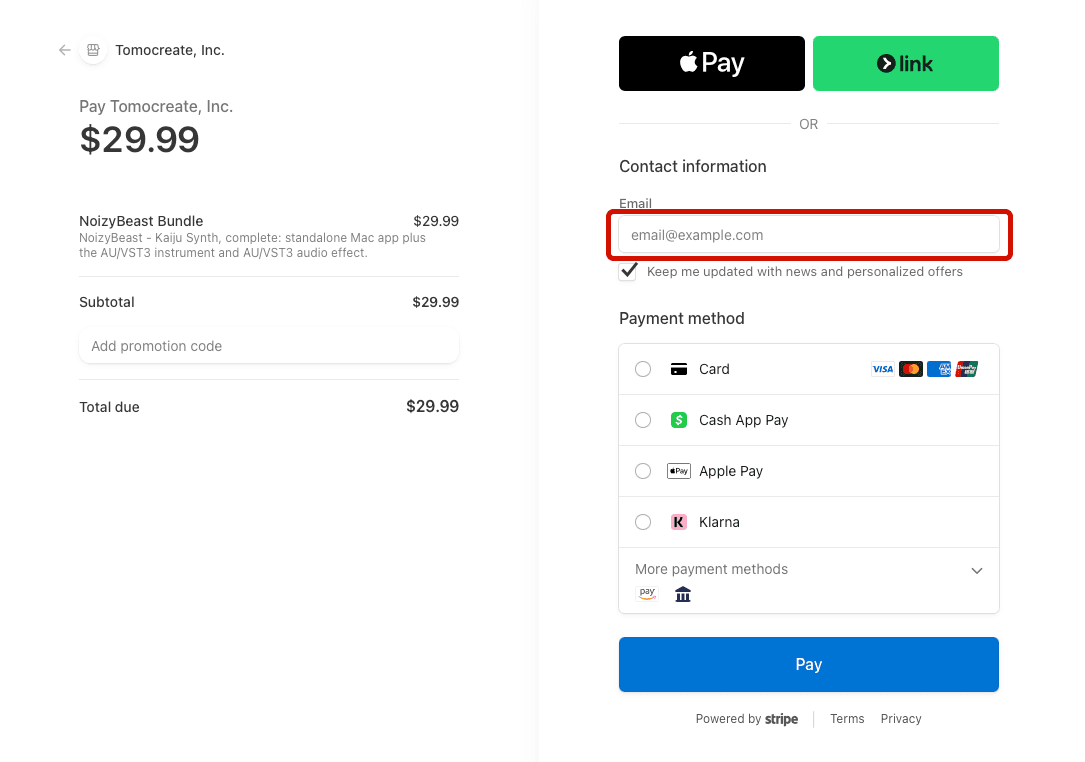
Your license key will be sent by email, so enter your email address on the checkout page.
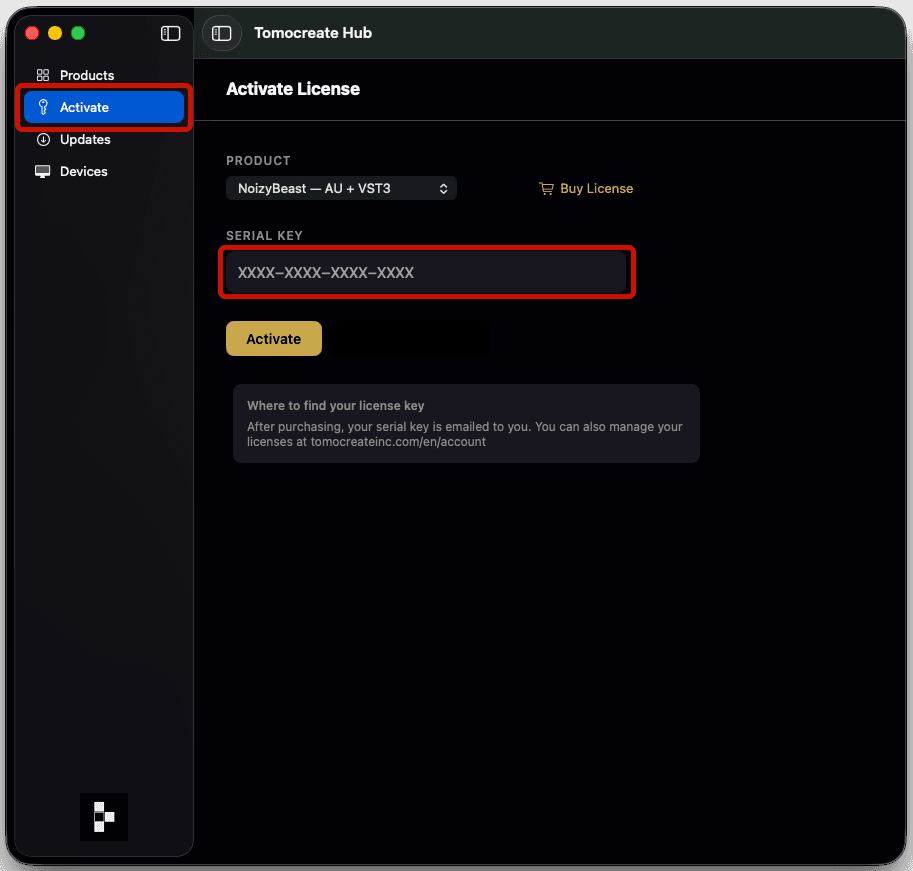
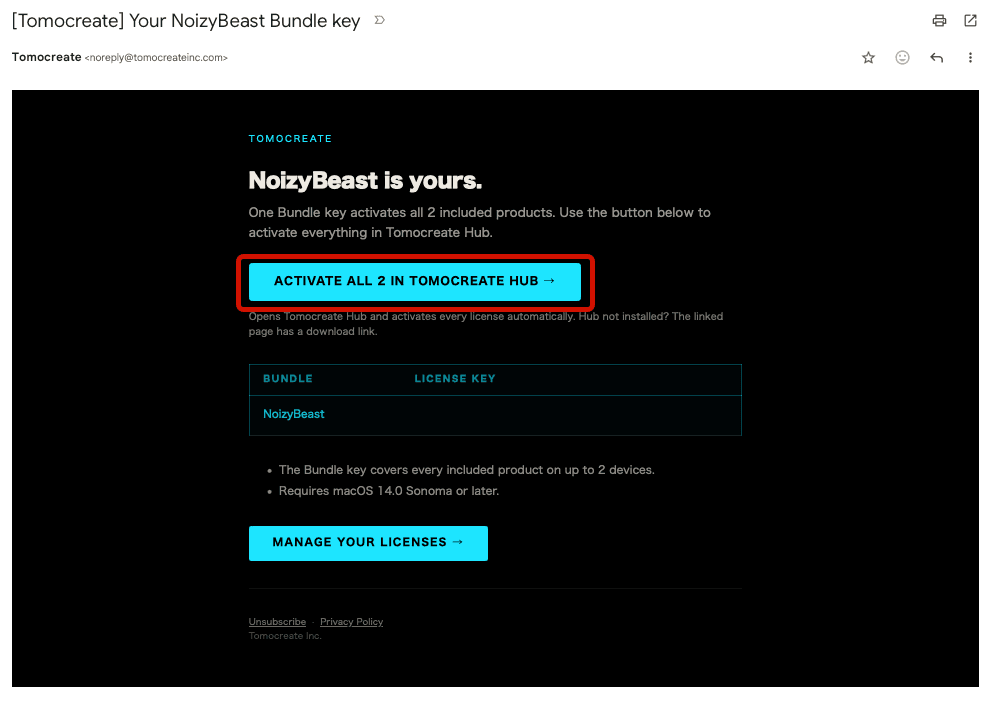
There is no need to type the key. Press the Activate button in the license email once.
If the button is hidden, allow your email app to display images.
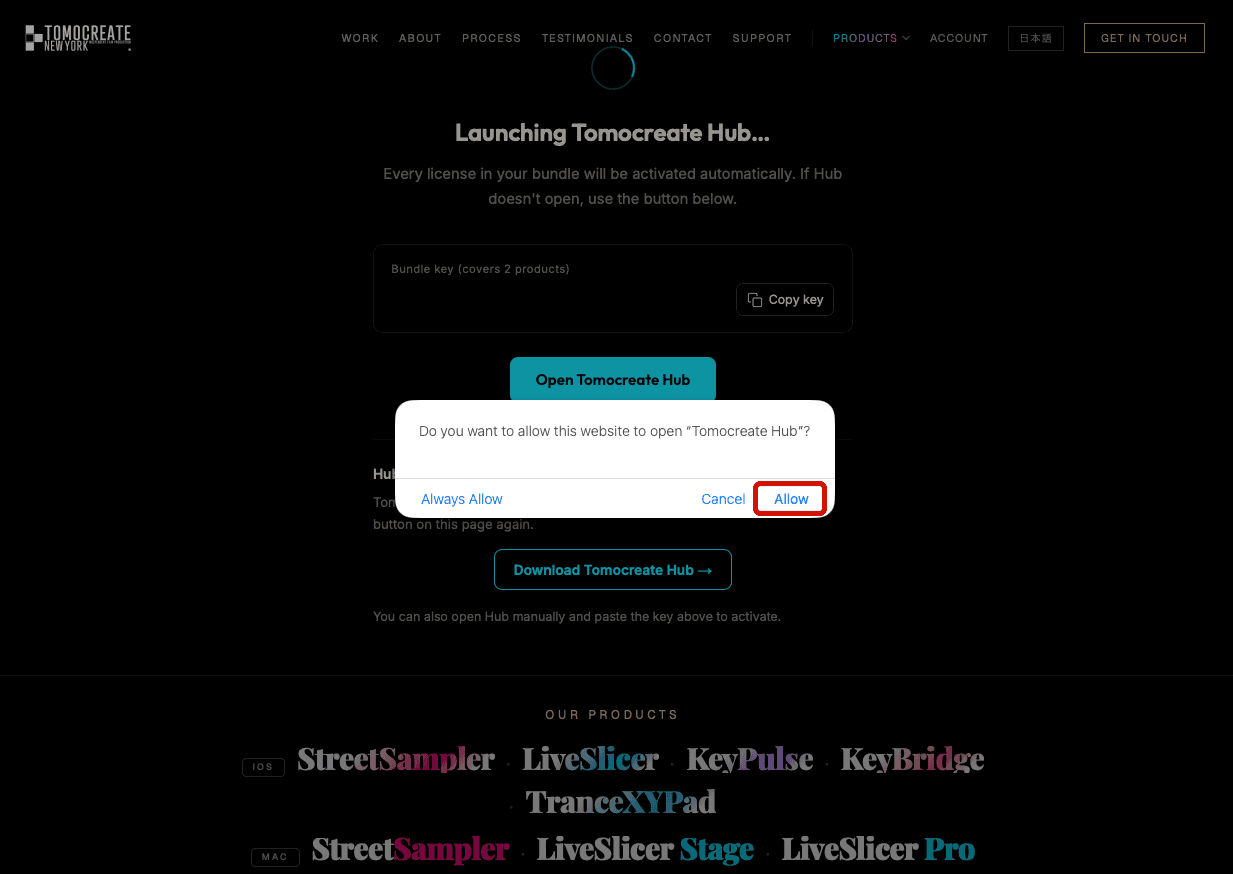
An activation page opens in your browser and asks to open Tomocreate Hub. Choose Allow or Open. Your key is passed to Hub and activation starts automatically.
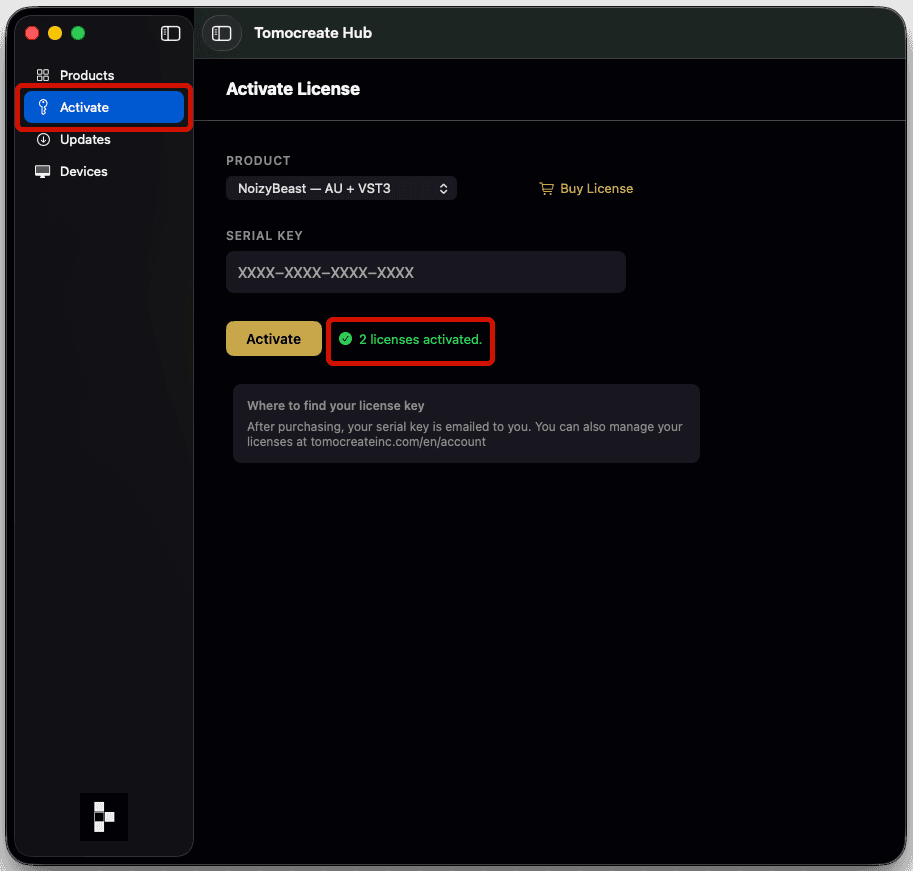
After Hub confirms activation, reopen the product. You are done when the Trial badge is gone.
If the badge remains, quit both the product and Hub, then open them again.
Always confirm the discounted total before paying.
Open checkout from the eligible product page.
At checkout, select Add promotion code to open the field. Enter the coupon code, then click Apply to display the discounted price.
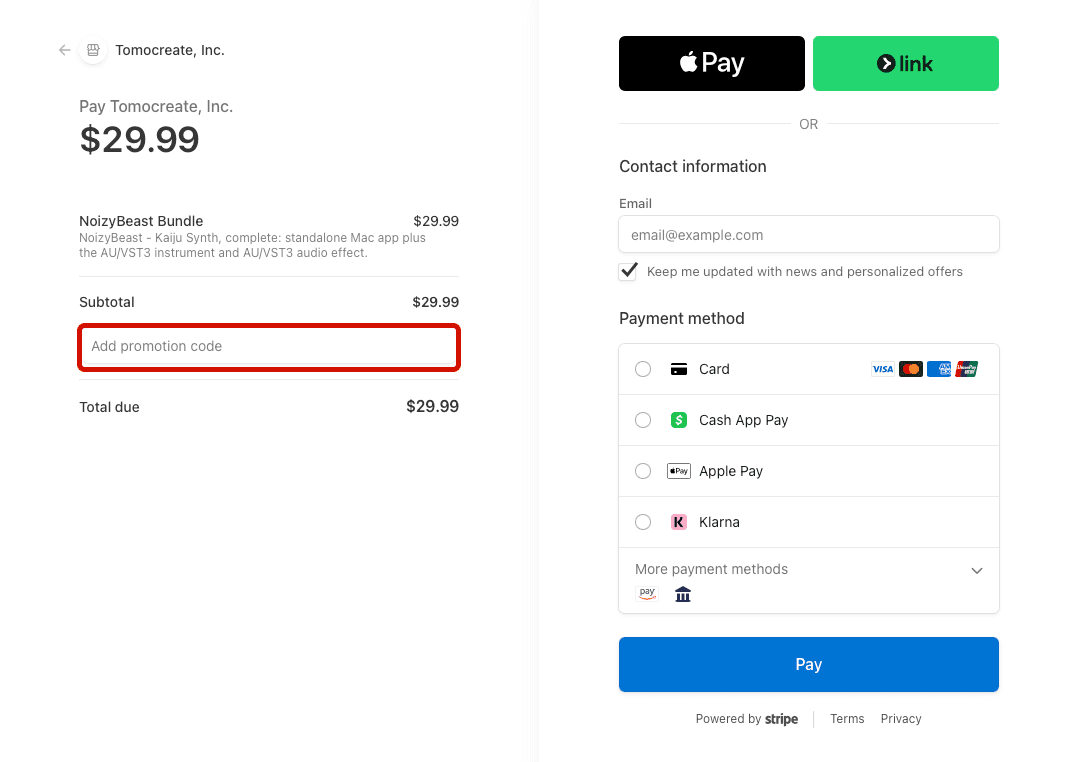
Use the address where you want to receive your license email, check the discounted total, and complete payment.
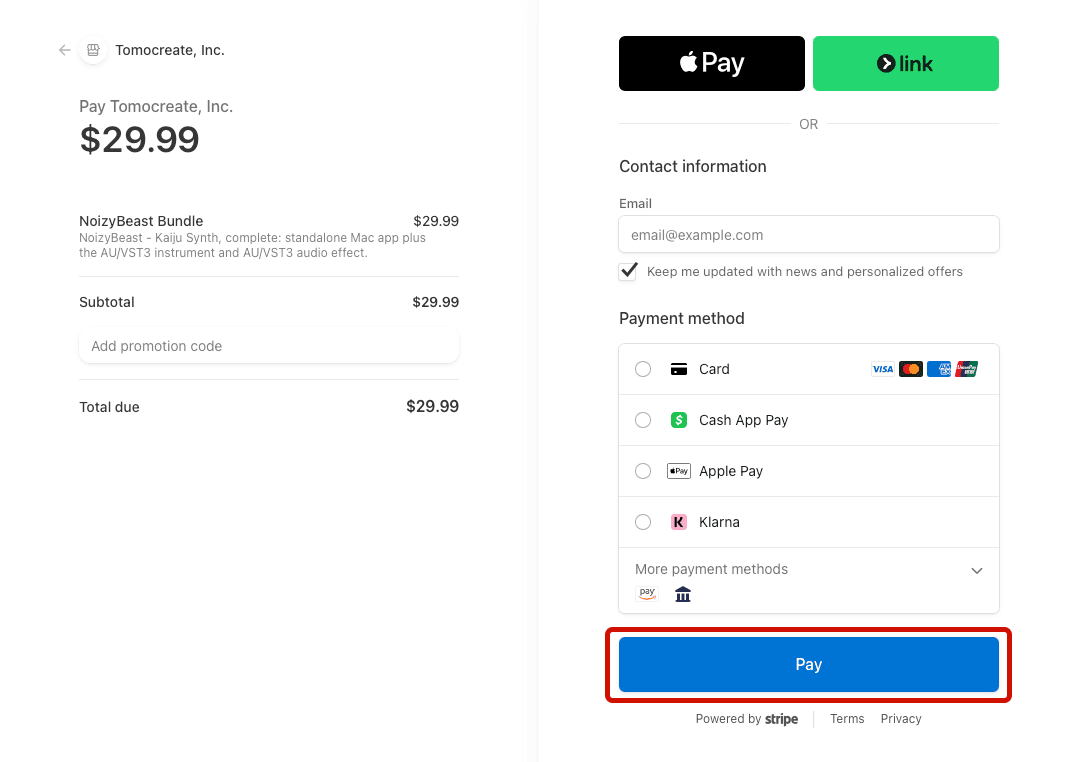
Your activation key will be sent by email.
See the license activation instructions to activate your product.Install Tomocreate Hub, then press Activate in the email again. If the email is missing, also check Spam, Junk, and Promotions.
When Hub is installed, pressing Activate in the email passes the key to Hub and activates it automatically. You normally do not need to enter the key yourself. Only if automatic activation fails, copy the key from the email and paste it into the key field in Hub.
If you cannot find the email →